How to Choose a Curved Screen for Optimal Viewing Experience?
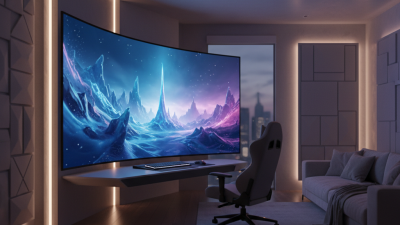
In recent years, the popularity of Curved Screens has surged among tech enthusiasts and casual viewers alike. Johnathan Reed, a renowned expert in display technology, stated, "Curved Screens can enhance immersion, but they are not for everyone." This highlights the importance of understanding individual preferences in choosing the right screen.
When considering a Curved Screen, factors such as size, curvature radius, and resolution play vital roles. A more pronounced curve can offer a more immersive experience, but it might distort the image at certain angles. Many find the viewing angles less effective compared to traditional flat screens. Hence, personal use cases should be reflected upon carefully.
Additionally, the room's layout influences your experience with a Curved Screen. Lighting conditions and viewing distance matter. Improper settings can lead to a less satisfying experience. It’s crucial to weigh these details before making a purchase. Ultimately, what works best depends on personal taste and specific needs.
Understanding the Basics of Curved Screen Technology
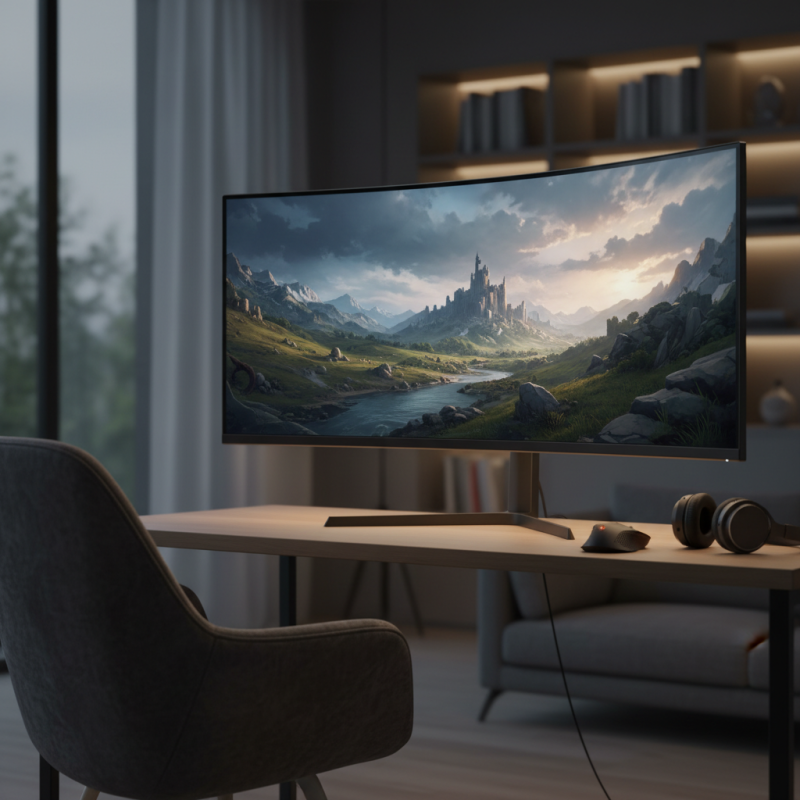
Curved screens have gained popularity due to their immersive viewing experience. The technology behind them involves a subtle bend in the display that enhances depth perception. This design can create a more natural viewing angle, making images appear more vivid. However, not all curved screens are created equal, and it is essential to understand a few key aspects.
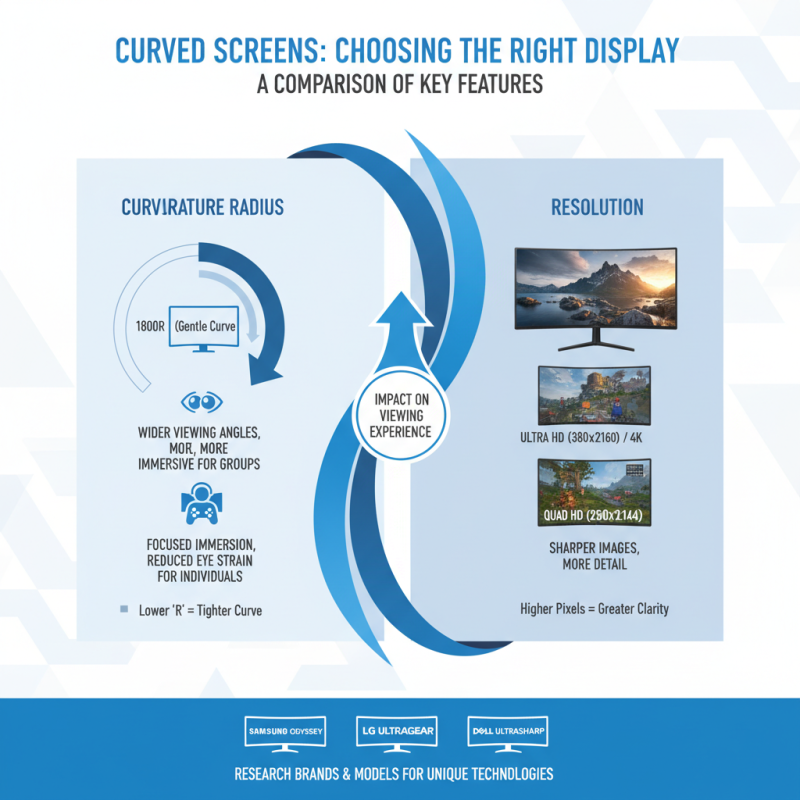
When choosing a curved screen, consider the curvature radius. A gentle curve can produce a wider field of view, while a steeper curve might distort images. Pay attention to screen size as well; a larger screen works better with a higher curvature. You may find that a smaller screen with a steep curve feels cramped.
Tips: Always check viewing angles before purchasing. This ensures that you won’t miss any details, especially in group settings. Test the screen at different brightness levels. Sometimes, the curvature can lead to uneven lighting. While curved screens can enhance your experience, be aware of potential reflections and glare. These issues might need additional adjustments in your room setup.
How to Choose a Curved Screen for Optimal Viewing Experience?
| Dimension |
Description |
Importance |
| Screen Size |
Measured diagonally, larger sizes provide a more immersive experience. |
High |
| Curvature Radius |
The degree of the curve; affects peripheral vision. |
Medium |
| Resolution |
Higher resolutions ensure clearer, sharper images. |
High |
| Refresh Rate |
Higher rates reduce motion blur for a smoother experience. |
High |
| Aspect Ratio |
Wider ratios are better for gaming and cinematic experiences. |
Medium |
| Viewing Angle |
An optimal angle reduces distortion and enhances immersion. |
High |
Factors to Consider When Choosing Screen Size and Radius
When choosing a curved screen, screen size and radius are crucial factors. The screen size affects your immersive experience. A larger screen offers more detail and is better for gaming and movies. However, too large a screen can overwhelm small spaces. Finding the right balance is essential.
The screen radius also shapes your viewing experience. A tighter radius can create a more immersive feel. But it may not suit everyone. Some viewers might find it too constricted. It’s crucial to test different radii. Stand in front of various screens to see what feels comfortable. Your eyes should feel relaxed, not strained.
Consider the distance from your seating to the screen. A larger radius requires a greater distance for optimal viewing. Sitting too close may distort the image. Think about how your room is arranged. Will people gather around, or view it individually? Reflect on these aspects carefully. Choices may not be straightforward, but thoughtful consideration will lead to a better viewing experience.
Curved Screen Viewing Experience: Screen Size vs Radius
Evaluating Resolution and Screen Quality for Optimal Viewing
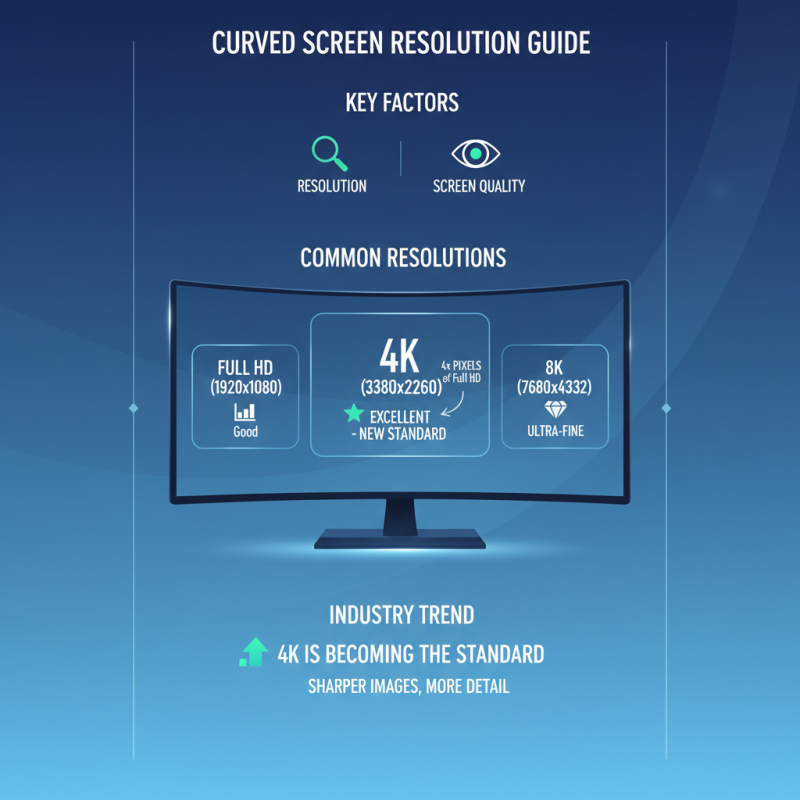
When choosing a curved screen, resolution and screen quality are crucial. The most common resolutions are Full HD (1920x1080), 4K (3840x2160), and 8K. According to industry reports, 4K displays are becoming the standard. They offer four times the pixel density of Full HD, delivering sharper images.
Screen quality also hinges on factors like color accuracy and contrast ratio. A high contrast ratio enhances the visual depth, making images more lifelike. For instance, a contrast ratio of 3000:1 can significantly improve black levels, which is vital for cinematic experiences. Some reports suggest that viewers prefer screens with superior color reproduction, with coverage of 95% of the DCI-P3 color space being ideal.
However, not all curved screens are made equal. It’s important to be aware of potential issues like glare and reflection. Poor positioning in the room can lead to a compromised viewing experience. Not addressing such factors may lead to disappointments. Ensure proper placement and lighting to maximize your curved screen’s potential.
Exploring the Impact of Curvature on Immersion and Comfort
When considering a curved screen, immersion and comfort are vital. The curvature can significantly affect your viewing experience. A screen with a gentle curve may wrap around your field of vision, creating a more engaging atmosphere. It feels natural, enhancing your sense of depth. The right curvature reduces eye strain. This contributes to comfort, especially during long viewing sessions.
Tips: Look for a screen that matches your typical viewing distance. The ideal curve radius is around 1800R to 3000R for most users. This curvature aligns better with our peripheral vision. Consider how the screen will be used. For gaming or movies, a more pronounced curve may increase immersion.
However, it’s essential to reflect on your preferences. Not everyone enjoys the enveloping effect of a curved display. Some may find it disorienting, especially from off-angle views. Keep in mind the positioning of your setup. The benefits diminish if the screen isn’t at the correct height or angle. Prioritize comfort over specifications.